Three puzzles, one sitting
Warm Up, Challenge and Expert arrive together but not all at once. Finishing a puzzle unlocks the next, so the day has an order to it that you cannot skip past.
47 Apps · A public portfolio by Hamras
A stickman fight on your real desktop, a cat that moves onto it, a daily word game, a game of tag against your own mouse, and a few small tools I wanted on my own desk. All free, none of them asks for an account.
New · fighting game · Windows
Press Ctrl+Alt+B anywhere and the fight starts on top of whatever is open. Window title bars, widgets and desktop icons are the platforms, waves of stickmen climb after you, and every kill brings you closer to the next of 13 weapons.
Windows 10 / 11 · single .exe, no installer · free
Desktop pet · Windows
Mochi walks along your taskbar, hops up your desktop icons, naps on your widgets and sneaks inside your apps. She reacts to your music, reminds you to take a break, and remembers how you treat her. One small download, no account, no setup.
Windows 10 / 11 · single .exe, no installer · free
Today’s pick · free in your browser
A daily word game in three sittings. Warm Up, then Challenge, then Expert: three five-letter puzzles, six guesses at each, unlocked in sequence. Nothing to install and no account to make — it runs in the browser and keeps your progress on your own device.
Warm Up · guess 1 of 6Three words a day
Tridle playing itself, by its own rules and in its own colours — an animation, not a screenshot.
Warm Up, Challenge and Expert arrive together but not all at once. Finishing a puzzle unlocks the next, so the day has an order to it that you cannot skip past.
Every puzzle is a five-letter word with six tries. The board never resets mid-puzzle, so a guess spent is spent — which is why the third one is worth thinking about.
Green for the right letter in the right place, amber for a letter that is in the word elsewhere, grey for one that is not in it at all. Every tile carries a mark as well as a shade, so the board still works when colour is hard to separate.
Three segments across the top hold the whole day: which puzzle is live, which are still locked behind the one before, and how each one ended — solved, or out of guesses.
Playing a word you have already tried is refused rather than burning a try, and a word that is not in the list never costs a guess either. A mistyped guess is free.
Streaks (days where all three puzzles were finished), perfect days, a win rate, a guess distribution and a history calendar — all worked out from your own play, on your own device.
Tridle has its own page — what it does, what it is built with, and where it is going next.
Open the Tridle pageNew game · Windows
Press Ctrl+Alt+T anywhere and pastel kitties come for your mouse cursor. You pass straight through your windows, they have to go around them — so the desktop you already have becomes the level.
Try it on the left with your mouse — the real one plays on your actual desktop.
Tools and widgets
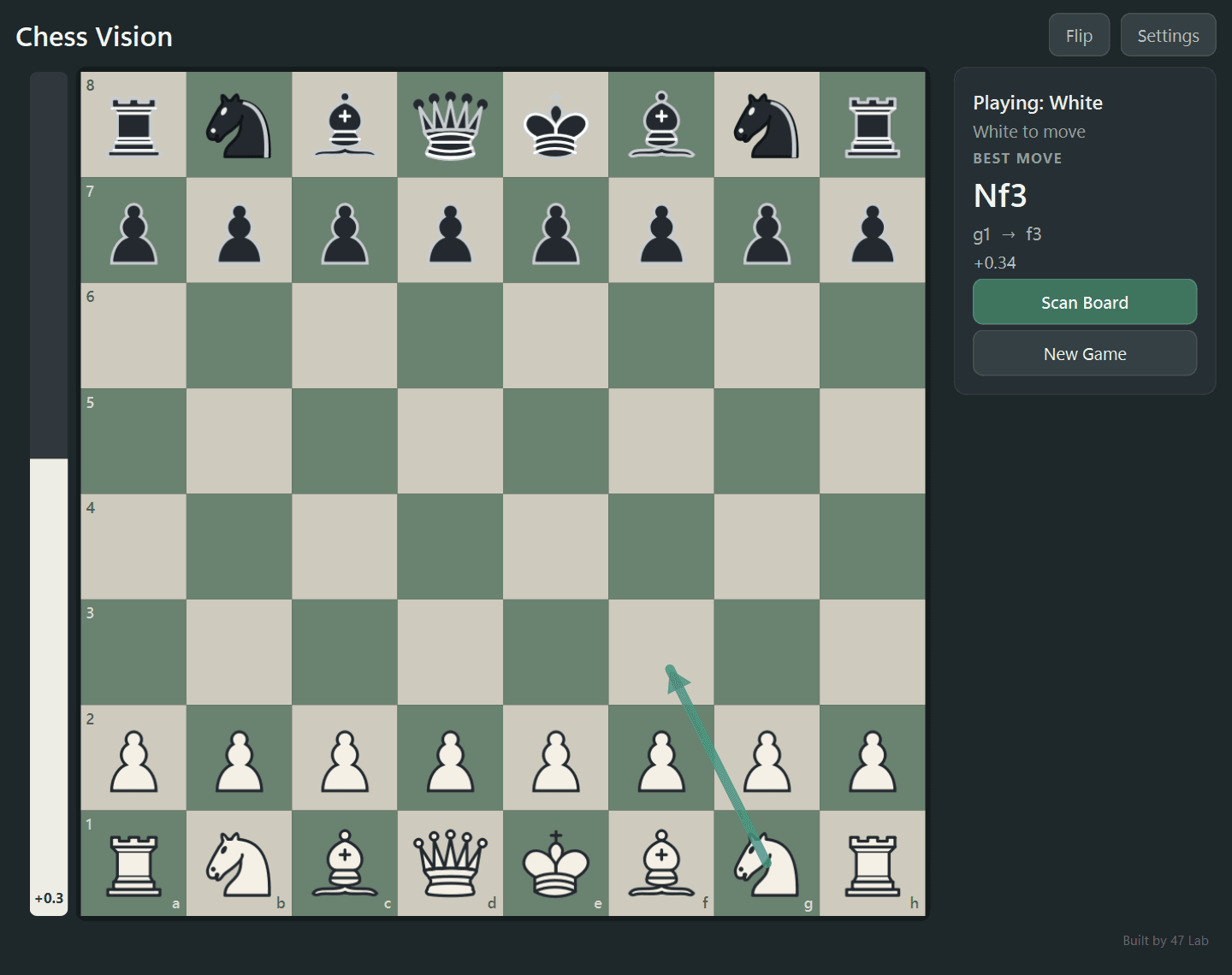
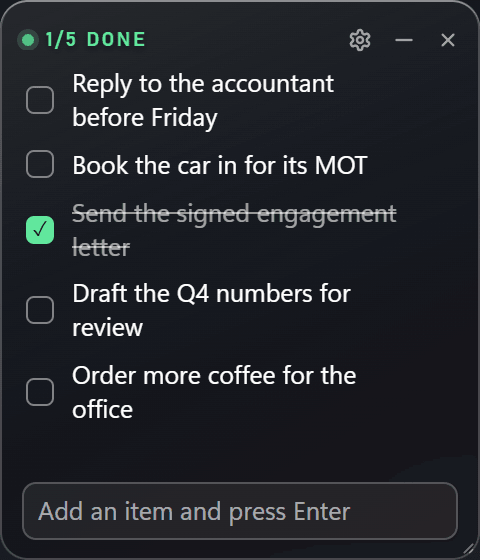
A chess companion that reads the board off your screen, and two widgets that sit quietly on the wallpaper. Each one is a free Windows download with its own page.
About these
My day job is data analysis in audit and financial analytics. This is where I build for the fun of it: games, desktop toys and small tools I wanted to exist and could not find.
Everything here either makes you smile or saves you a minute. If a thing does neither, I do not ship it.
Nothing asks you to sign up, nothing phones home with your data, and nothing costs money. Download it or open it, and it works.
Chess Vision and the two widgets are open source on GitHub. Desktop Brawl, Mochi, Cursor Tag and Tridle are free to use, and their code stays private.
Get in touch
Found a bug, have a question about how one of these works, or think I would fit a role you are hiring for? Write to me. I read every message myself.
No mailing list and no autoresponder. The reply comes from me.